
Smartphone prices seem to be rising. The operative word being seem.
Like so many items from bread to milk to gas for our vehicles, the price we pay is not the true cost of the item. Almost everything we purchase today has been subsidized along the way to keep the price down. In the case of the smartphone, 8-10 years ago we paid $300 or less for phones because we agreed to one or two year contracts with the cell phone company, which subsidized the true cost of the phone. Outright, we would have paid $500-800 the same smartphone.
Subsidization or not, let’s logically look at the cost of a smartphone based on what it does for us. Also, remember that any device you use is not outdated as long as it useful to you. Don’t get caught on the upgrade train.
This chart applies not only to the 6.1 ounce iPhone X, but also to any Samsung Galaxy, Google Pixel , or LG smartphone (Android phones). The items in the chart below represent the minimum of what any smartphone can do out of the box! I didn’t add other standard functions like calendar, address book, calculator, flashlight, notepad, etc. And with the addition of the hundreds of thousands of add-on apps, the smartphone literally can do almost anything except cook and clean for you!
| Function | Cost | Weight (ounces) |
|---|---|---|
Cell Phone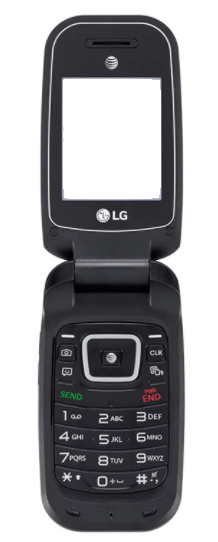 | $50-150 | 3.7 |
Digital camera (compact)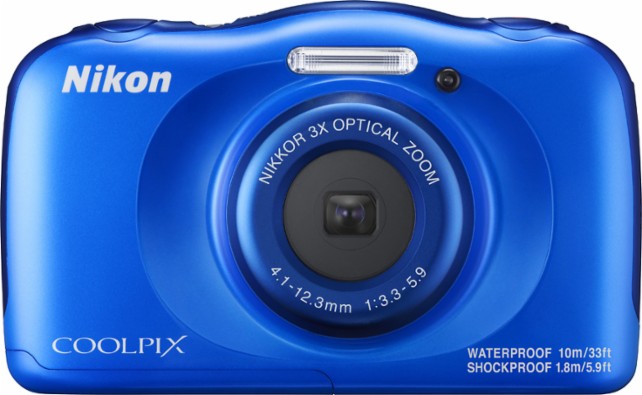 | $150-800 | 10 |
Mobile Internet & Email | $150-400 | 48 |
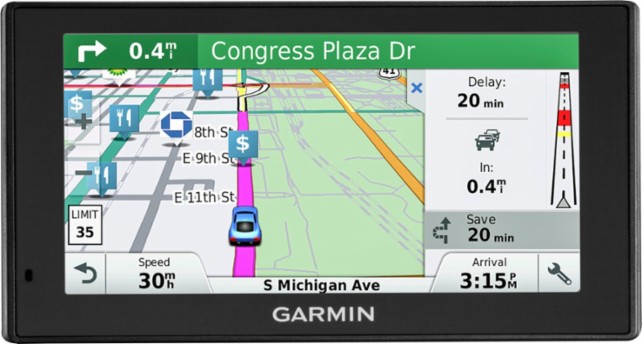 | $60-450.00 | 8 |
Mobile GPS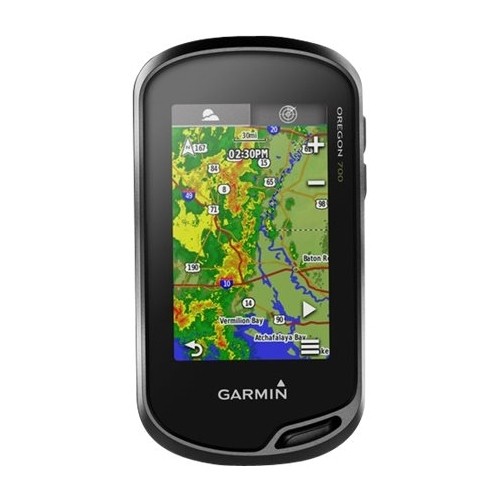 | $250-650 | 8 |
Voice recorder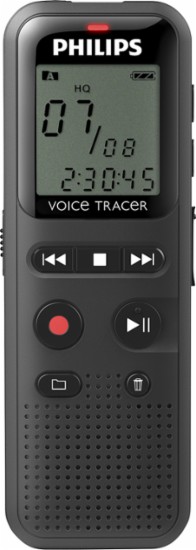 | $40-200 | 1.6 |
Fitness tracker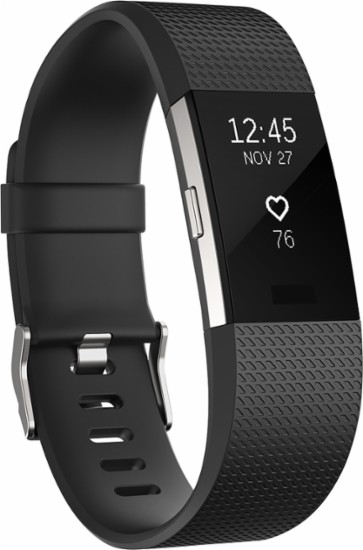 | $50-250 | 1.5 |
MP3 Player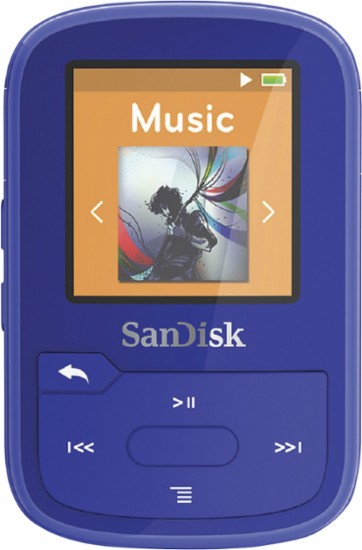 | $50.00-300.00 | 1.6 |
Portable Video Player 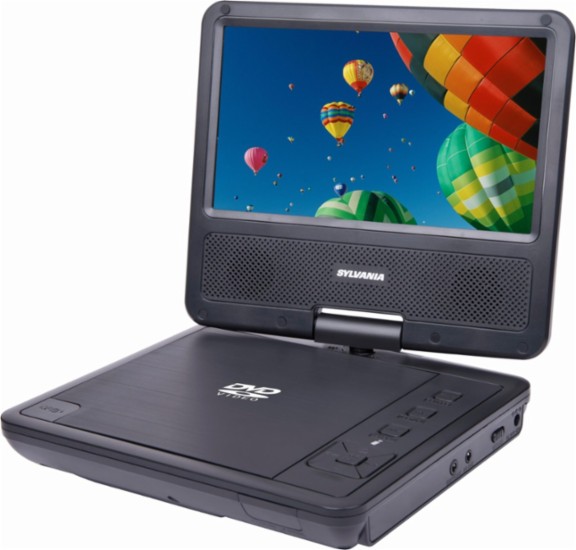 | $60-200 | 24 |
Portable Games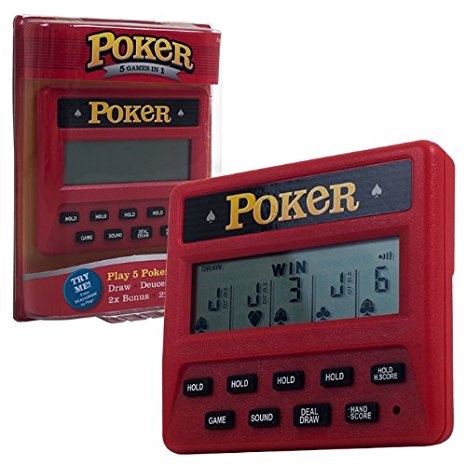 | $10-20 (per game) | 2.4 |
E-book Reader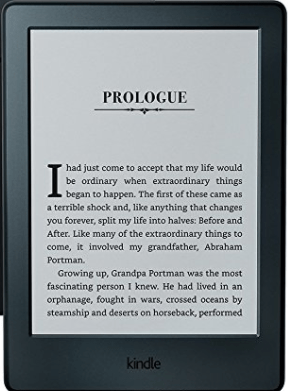 | $79-359 | 5.7 |
| Total | $949-$3779 | 90.6 ounces (5.6 pounds) |
Do you use a smartphone? If so, what do you like, dislike about it? What functions (besides the phone function) do you use most? How often do you decide to replace your phone and what factors influence the change? Leave your comments below and let’s discuss it!
